In detail
Find any screenshot by a word in it
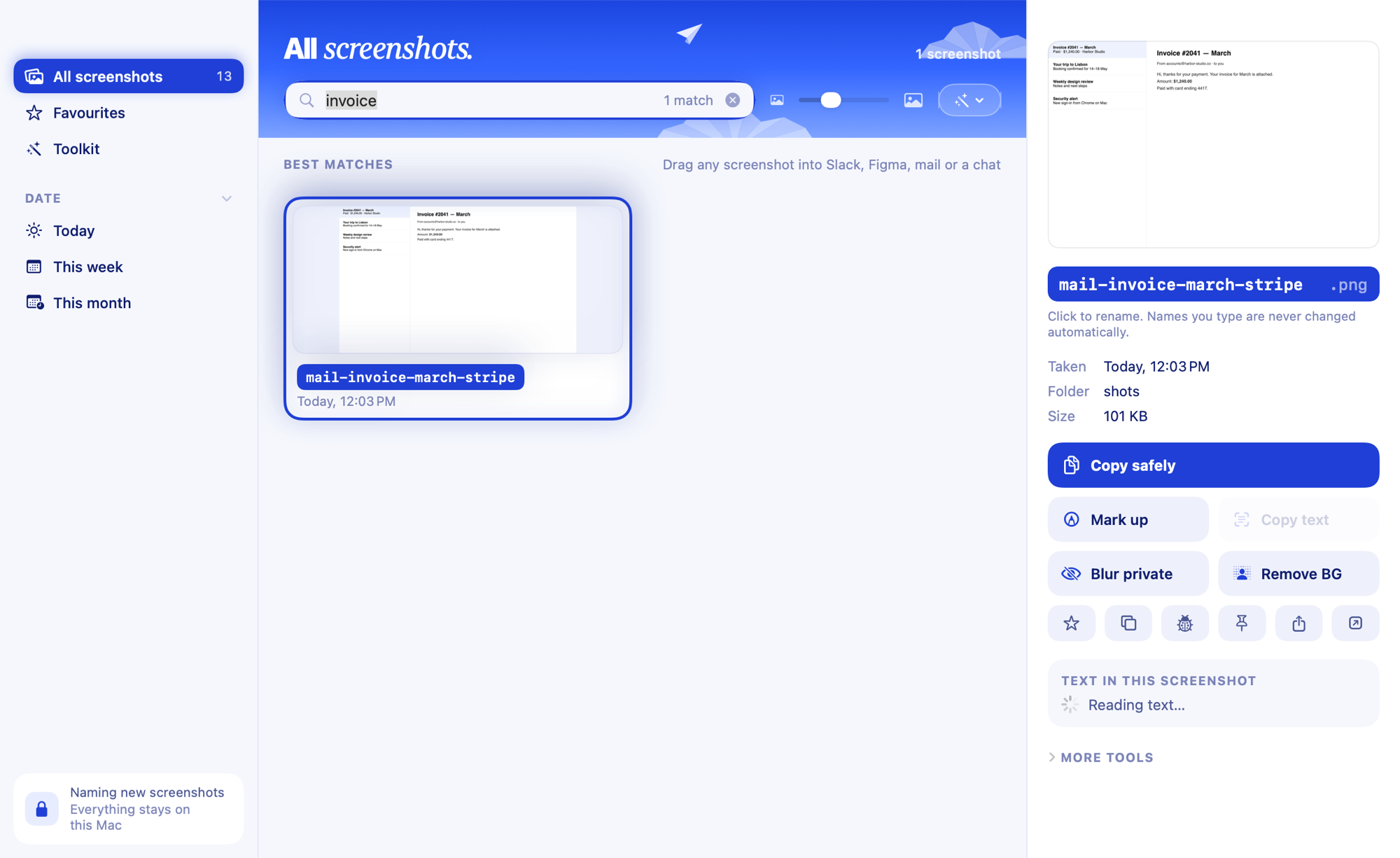
Clevershot's library reads the text in every screenshot on your Mac and lets you search it. Type invoice 4521 or that red error from yesterday and the matching screenshots appear with the words highlighted on the image. Text recognition is Apple's, on your Mac; nothing is uploaded.
Search the way you remember
- Words and numbers anywhere in the screenshot:
pricing,TypeError,4521. - Typos still match:
invocefinds "invoice". - Plain language:
red error from yesterday,stripe last week. - Filters by app (Chrome, Xcode, Figma…), website (github.com, x.com…), date and favourites.
- Find similar: every screenshot of the same page or screen.
Why not Spotlight?
Spotlight sometimes finds text in images, but not reliably for screenshots in folders, and it doesn't show where the word is. Photos only searches pictures in your Photos library. More in how to search the text in screenshots on Mac.
From the library
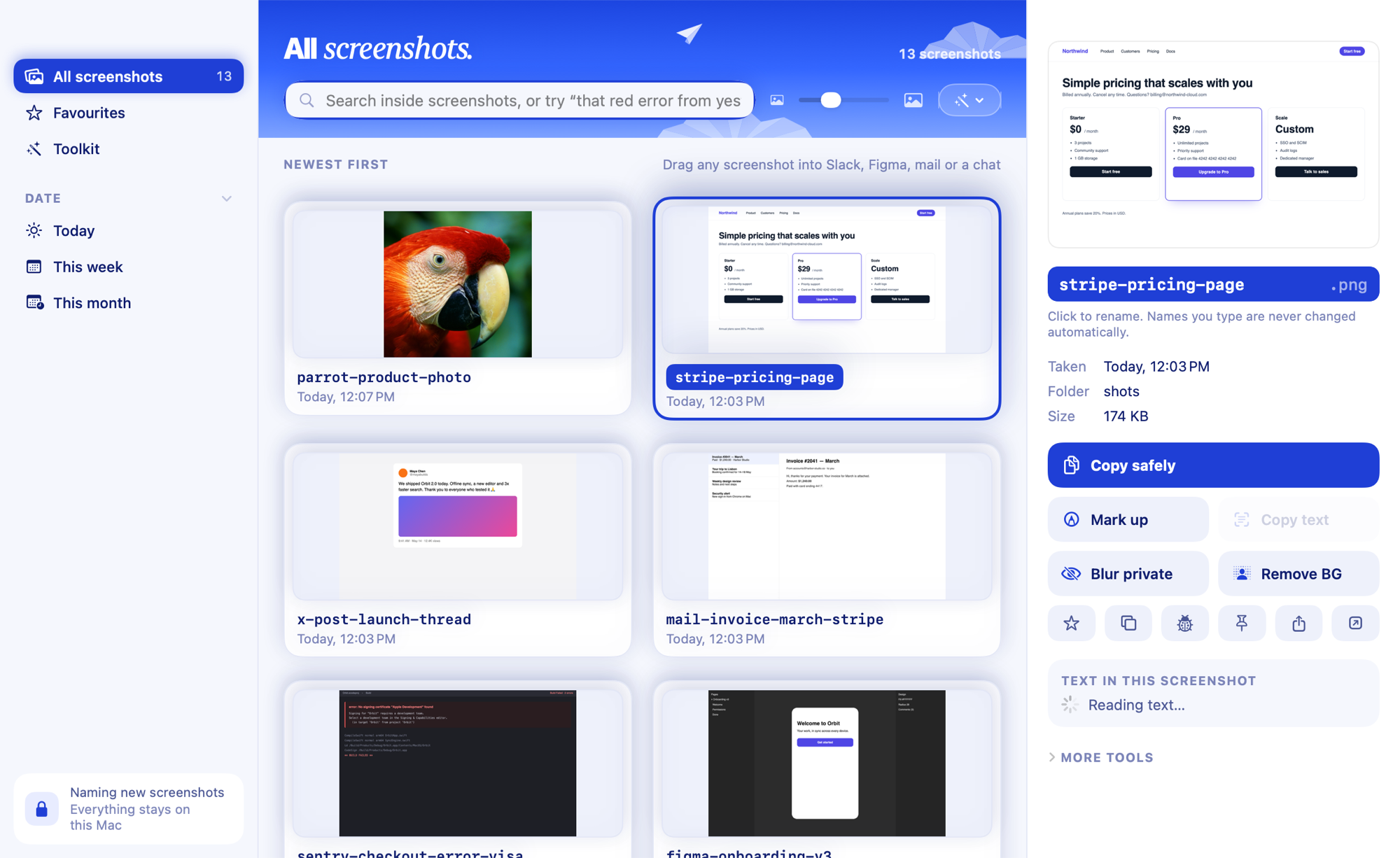
- Open it from the menu bar or with ⌃⌥⌘S.
- Drag a screenshot straight into Slack, Figma, mail or a chat.
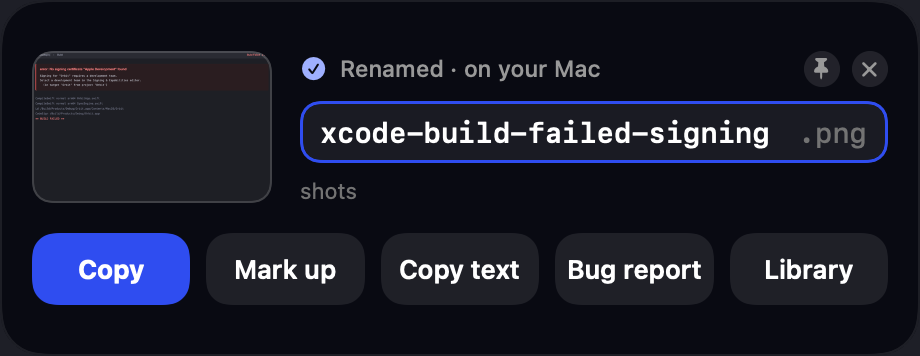
- Copy, copy with private info blurred, copy text, mark up or show in Finder from the right-click menu.
- Add the ones you want to keep to Favourites (★).
Questions
Which screenshots are in the library?
Every screenshot in your screenshot folder (and the folders inside it), plus Pictures › Screenshots if you use auto-tidy.
Does it work offline?
Yes. Clevershot makes no network calls at all.