Editor
Point at the thing.
Arrows, boxes, text, numbered steps and a pixel-art pen, plus tools that know where the words are: highlights snap to whole words, and Redact hides every email and key at once.

How it works.
- 1Snaps to wordsDrag across a line and the highlight fits the text.
- 2Steps and arrowsNumber a flow in a few clicks.
- 3Spotlight and cropDim everything but the part that matters, then trim the rest.
- 4Then ⌘CCopy the result and paste it anywhere.
Get it for your Mac.
Clevershot is $7 once at launch, $10 after. One licence key, no subscription. Refund within 14 days if it isn't for you.
More features.
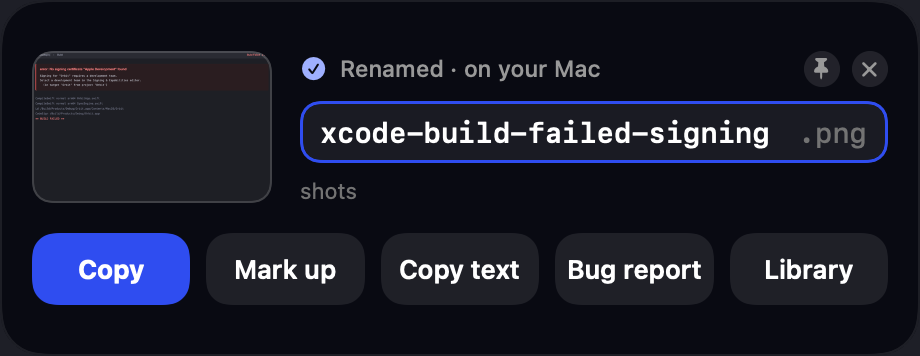
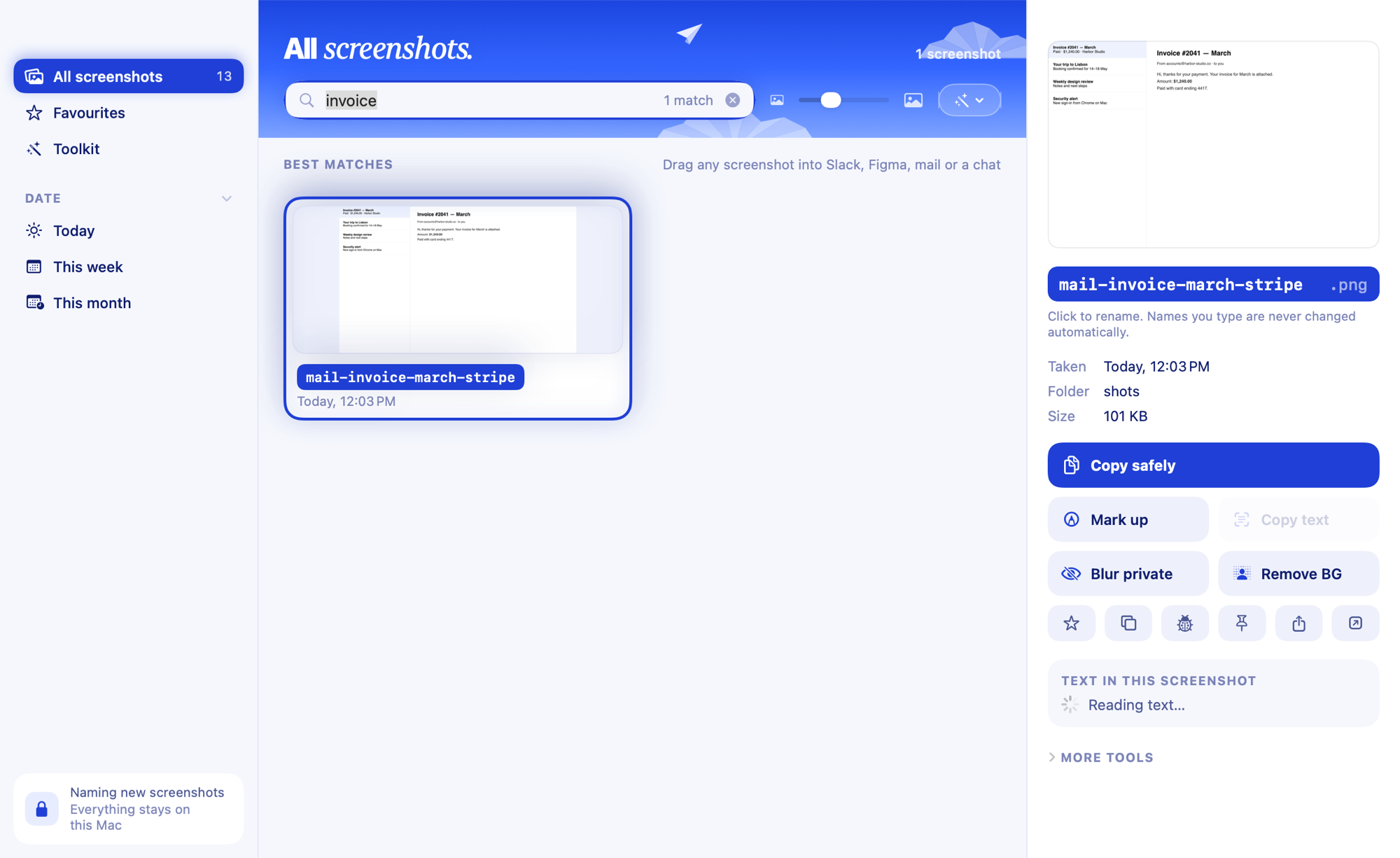
See all 16AI namingEvery screenshot gets a real name from what's in it, a second after ⇧⌘4.See how it works Search inside screenshotsType any word you remember seeing. The screenshot that contains it comes up.See how it works Redact and safe copyOne switch turns emails, keys and card numbers into a mosaic in everything you copy.See how it works